Web App · PDF Guide
Life Planner
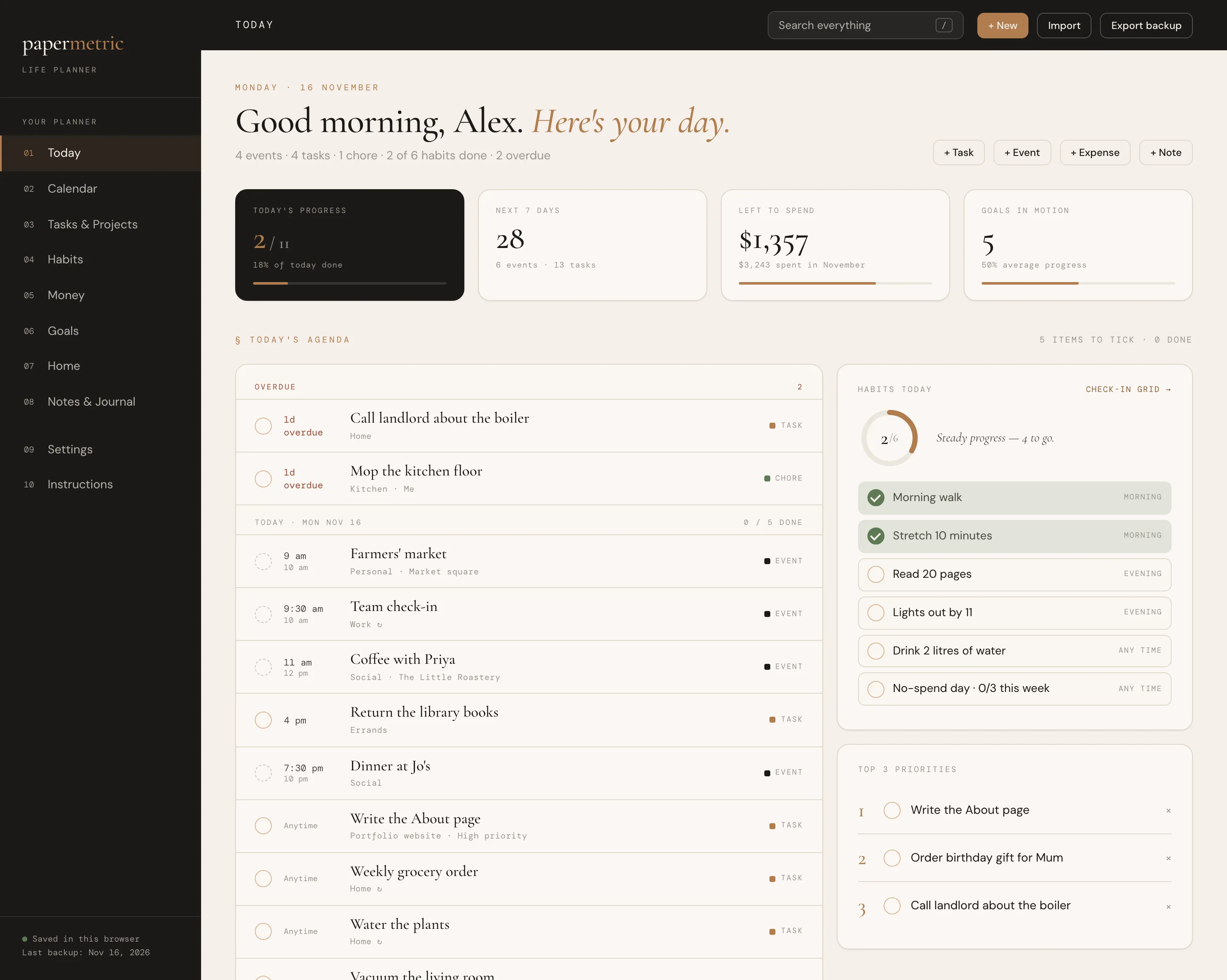
Your day, calendar, tasks, habits, money, goals and home in one connected app.
Web App · Excel · Google Sheets · PDF Guide
The budget, vendors, guests, seating and checklist for your whole wedding.
Instant digital download · Sold through Etsy
What's included
§ 01 · Overview
Your whole wedding in one calm place: the budget, every vendor and payment, the guest list and RSVPs, the seating plan, the checklist and the day itself. Use it as a spreadsheet in Excel or Google Sheets, or as an interactive web app in your browser.
Book a vendor or log a deposit once, and your budget, what you’ve paid and what’s still to pay all update on their own. No account, no subscription and nothing uploaded.
§ 02 · Inside
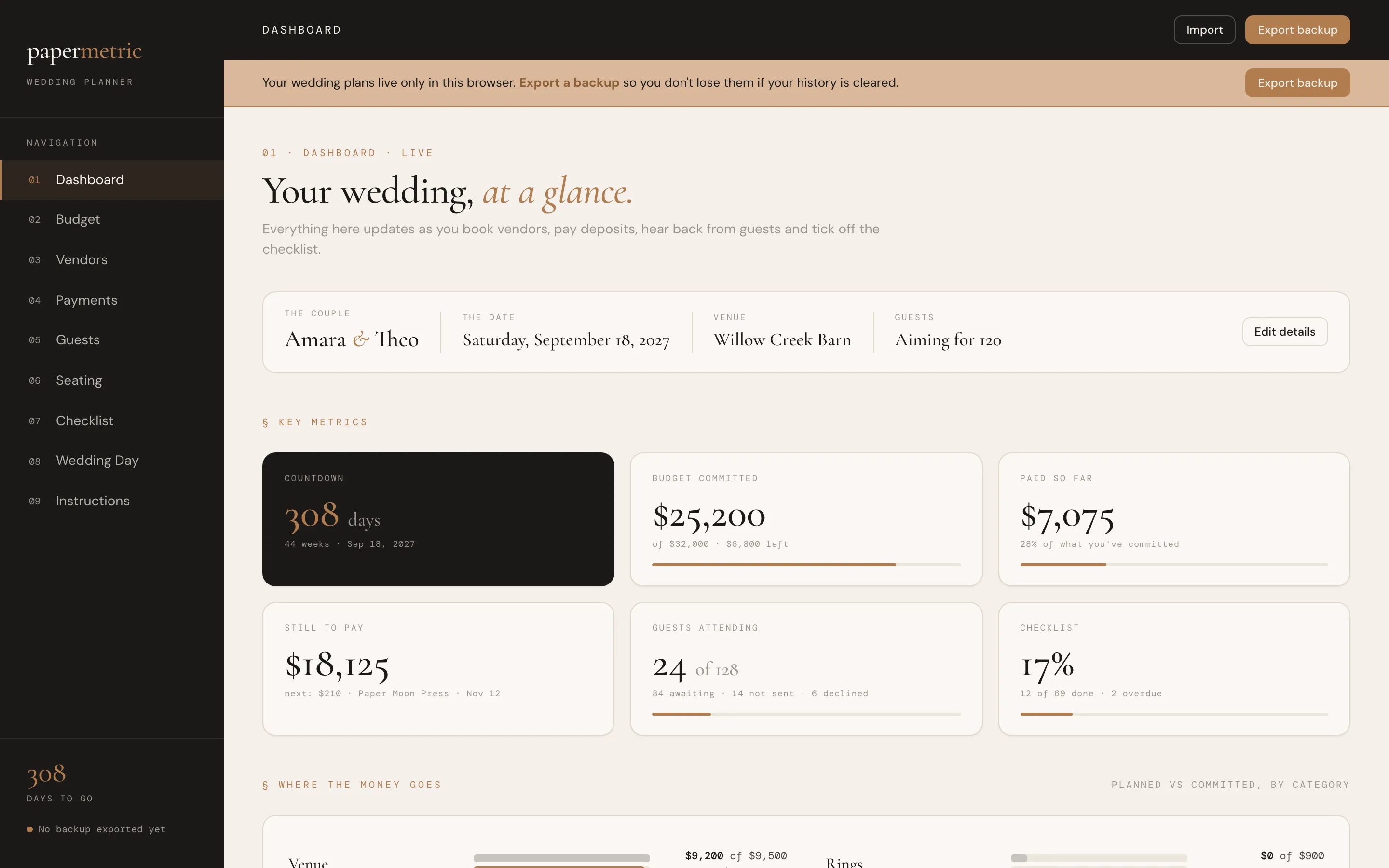
A countdown to the day, your budget committed vs total, paid so far, still to pay and the next payment due, guests attending, checklist progress, and what needs attention.
18 wedding categories with a planned amount each. Committed, paid and still to pay fill themselves in, with an under / on budget / over status and a suggested split of your total.
Every quote and booking with contacts, contract status and a rating. Compare quotes in a category side by side, with the lowest one marked. Only booked vendors count toward your budget.
Every deposit, installment and final balance with its due date, marked paid, due soon, overdue or scheduled.
One row per person, grouped by household, with side, RSVP, meal choice, dietary needs, table, address, gifts and thank-you notes. The counts add themselves up.
Tables with seats, guests listed at each table, seats left and an over-capacity warning. In the web app, drag guests onto tables.
69 tasks from engagement to thank-you notes, dated automatically from your wedding date.
An hour-by-hour schedule with your booked vendors' contacts, ready to print.
§ 03 · A look inside
Dashboard
01 / 05
§ 04 · Why it feels different
No separate files for the budget, guests and vendors.
Bookings and payments feed the budget and the dashboard automatically.
Change the date, and every checklist date moves with it.
Use it for a wedding in any year.
§ 05 · How it works
Download the files after purchase.
Spreadsheet: open it in Microsoft Excel (2016 or newer), or upload it to Google Drive and open it with Google Sheets, where you can share it with your partner.
Web app: double-click the .html file to open it in your browser. Best on a desktop or laptop.
Explore the sample wedding, then start your own with the blank spreadsheet or by clearing the app.
§ 06 · Questions
Your download includes: spreadsheet with examples (.xlsx); spreadsheet, blank (.xlsx); interactive web app (.html); quick-start guide (PDF).
Spreadsheet: open it in Microsoft Excel (2016 or newer), or upload it to Google Drive and open it with Google Sheets, where you can share it with your partner. Web app: double-click the .html file to open it in your browser. Best on a desktop or laptop.
Best on a desktop or laptop.
The web app saves your plans privately inside your browser, on your own computer. Nothing is uploaded anywhere. Use Export Backup regularly to keep a copy safe.
The web app and the spreadsheet are separate files and don't sync with each other. Pick the one you like best.
The web app has a currency setting ($, £, €, CA$, A$). The spreadsheet shows dollars, and its instructions explain how to switch.
No. It is a one-time digital download from Etsy, with no account and no subscription.
No. This is a digital download, and your files are ready to download after purchase on Etsy.
An instant digital download, yours to keep. No account and no subscription.
You might also like
Web App · PDF Guide
Your day, calendar, tasks, habits, money, goals and home in one connected app.
Excel · Google Sheets · Web App · PDF Guide
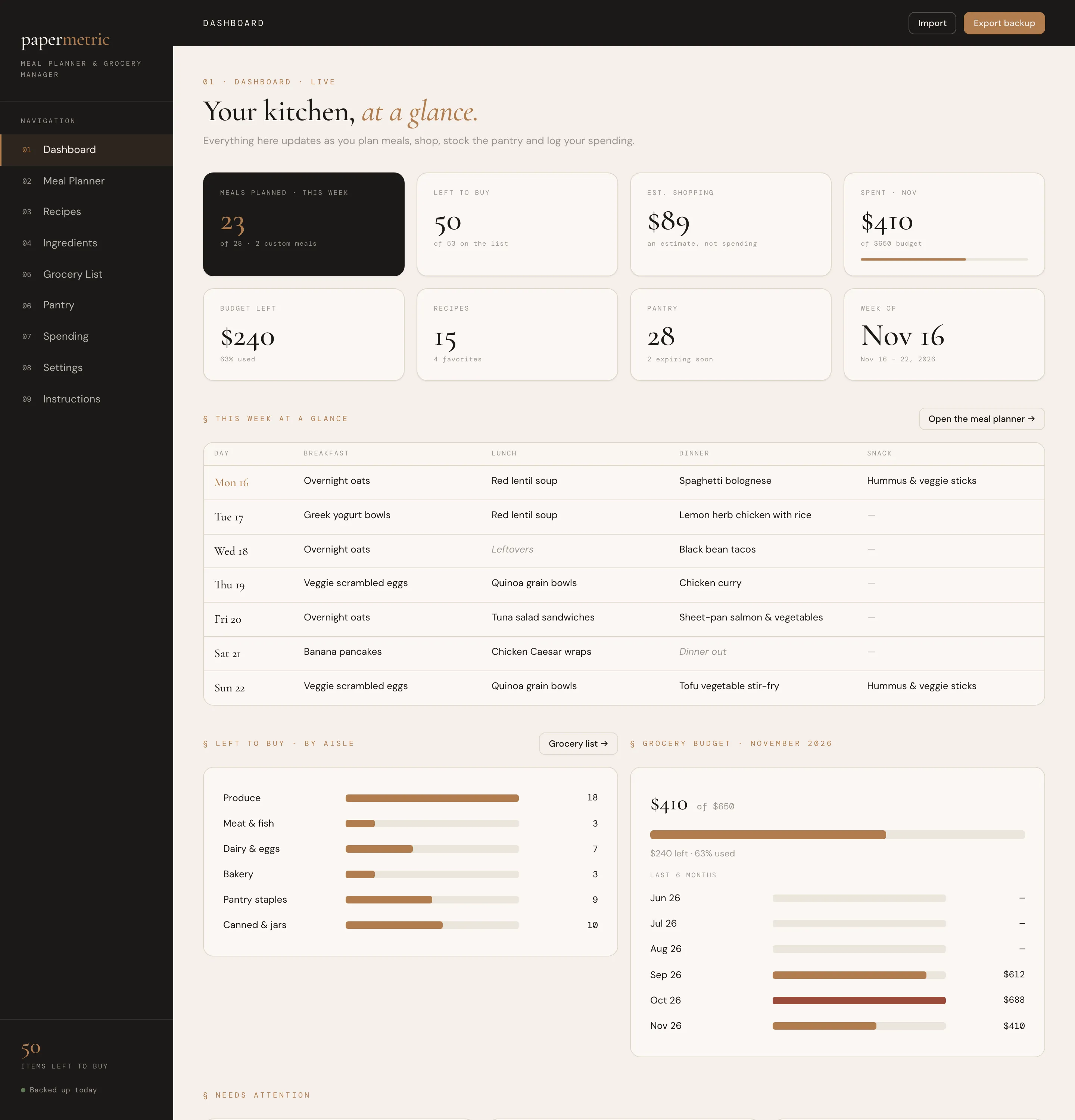
Plan the week and your grocery list writes itself.
Web App · Excel · Google Sheets · PDF Guide
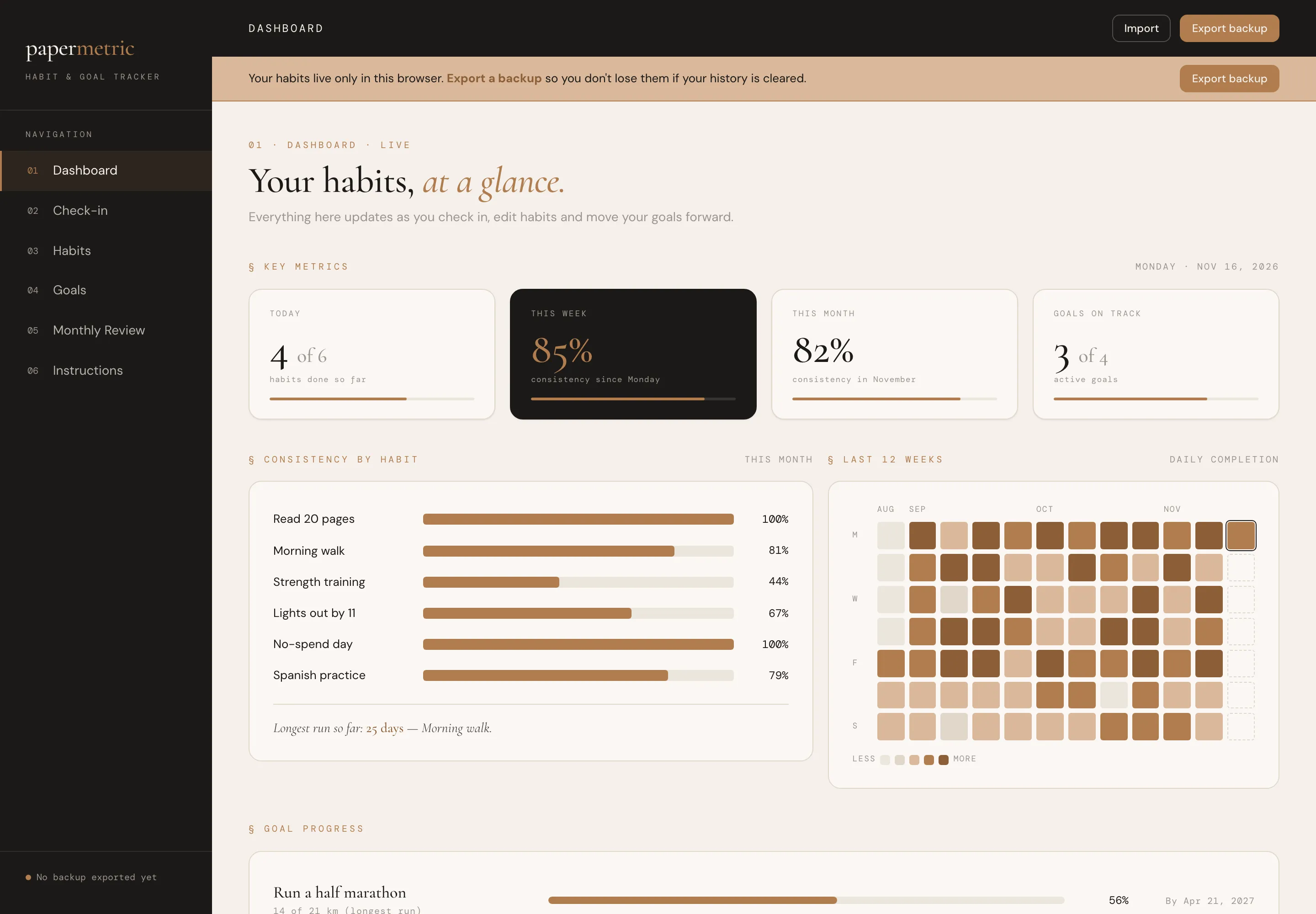
A calm daily check-in for your habits and a clear view of your bigger goals.