Web App · PDF Guide
Life Planner
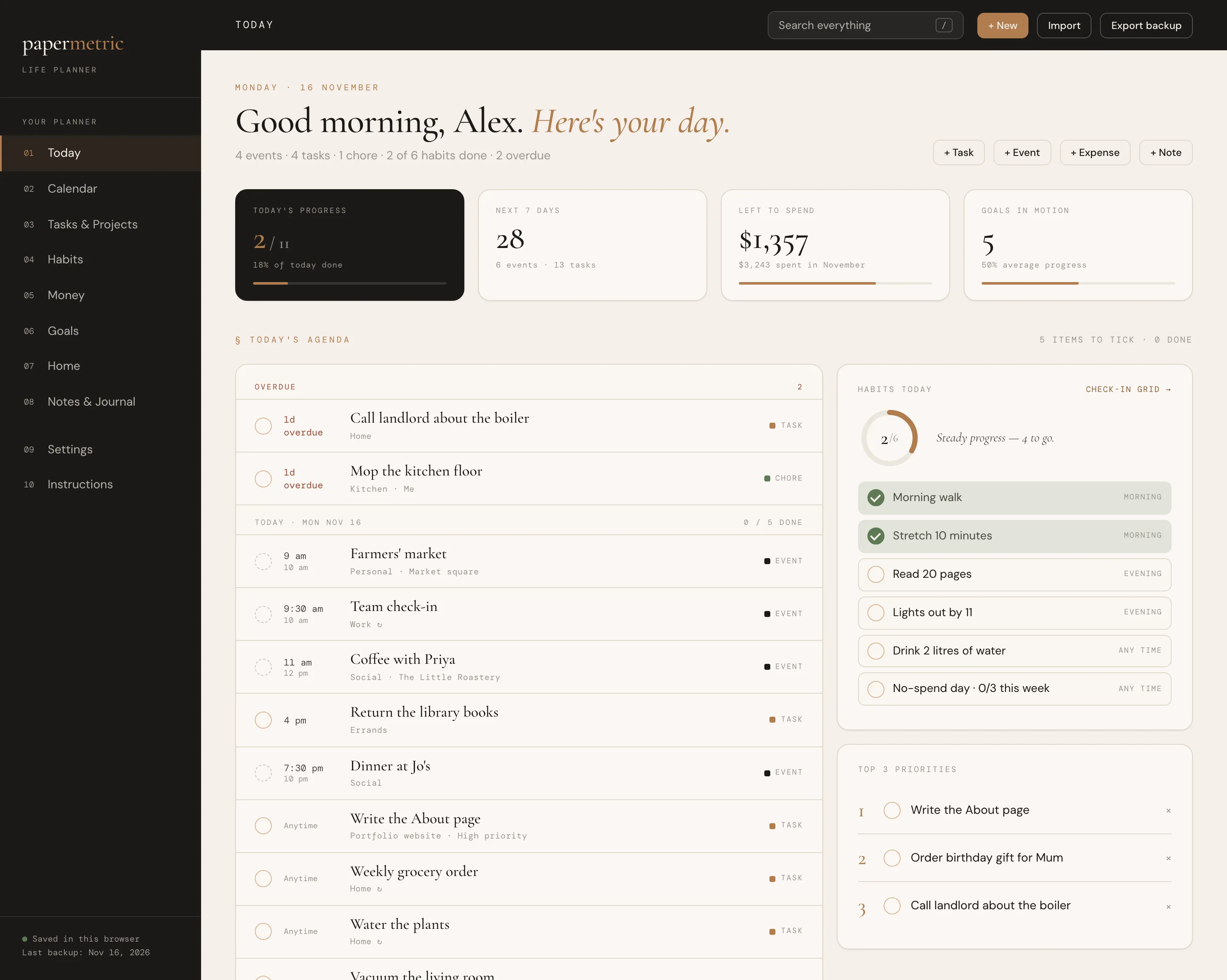
Your day, calendar, tasks, habits, money, goals and home in one connected app.
Excel · Google Sheets · Web App · PDF Guide
Plan the week and your grocery list writes itself.
Instant digital download · Sold through Etsy
What's included
§ 01 · Overview
Plan your meals. Know what to buy. Keep everything organized. A calm, connected meal planner for Excel and Google Sheets, with a matching web app included: choose recipes for the week and your grocery list writes itself, scaled to your servings, added up across meals and minus what’s already in the pantry.
No subscription, nothing to install, no macros. A beautifully designed workbook that does the math for you, and an app version if you’d rather click than type.
§ 02 · Inside
Your first week in three steps, plus simple how-tos.
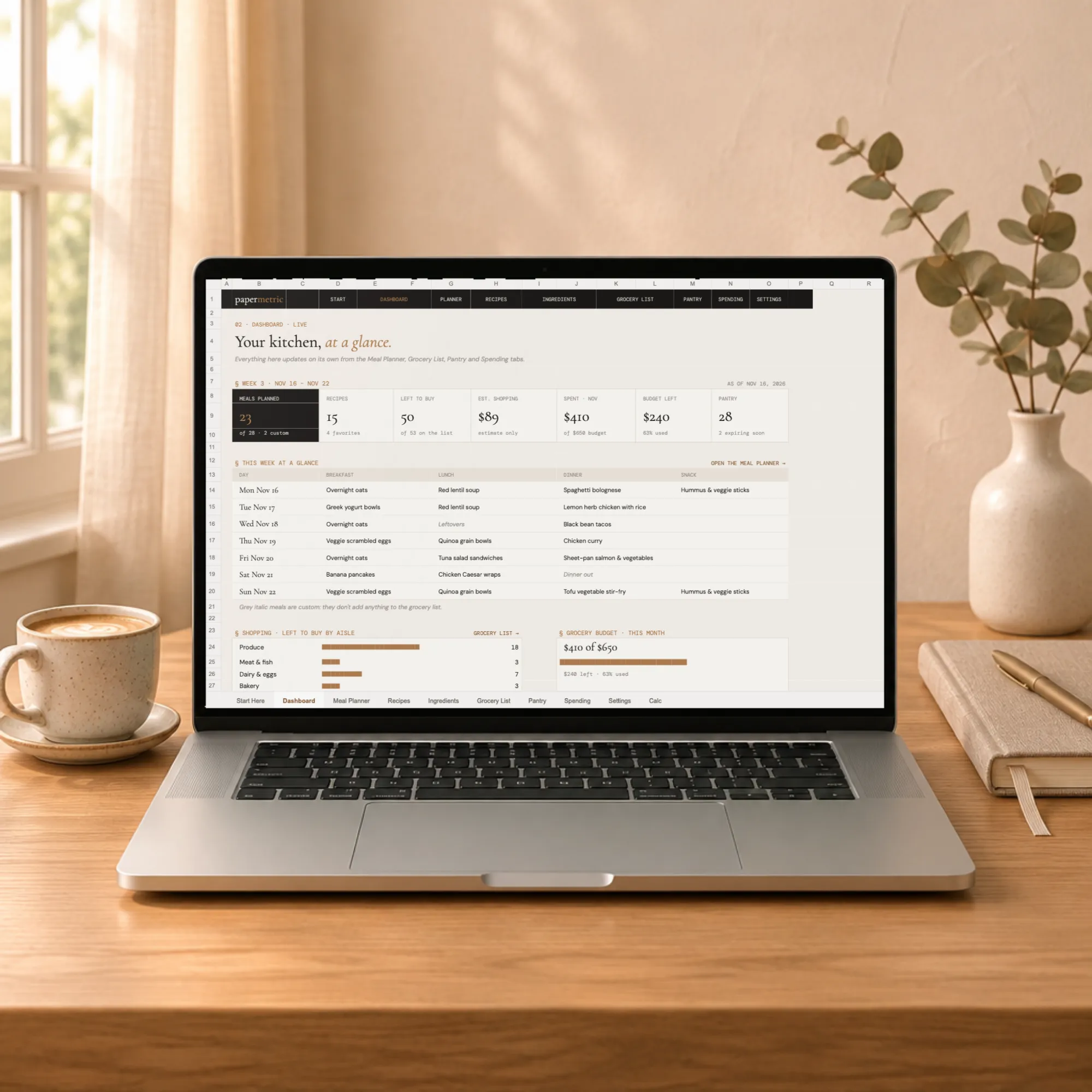
Meals planned, recipes saved, items left to buy, an estimated shopping cost, grocery spending against your budget, the whole week at a glance and what needs attention. It updates on its own.
A calendar-style week with breakfast, lunch, dinner and snack. Choose recipes from a dropdown, set the servings, or type anything, like "Leftovers". Plan up to 26 weeks ahead.
60 recipe cards with category, servings, prep and cook time, up to 15 ingredients each, a method and notes. Star your favorites to see them first.
One name for every ingredient, with its aisle, the unit you buy it in and an optional price, so "tomato" and "tomatoes" never become two lines.
Everything the chosen week needs, with amount needed, amount in the pantry and amount to buy. Mark items In cart, Bought or Skip as you shop. A compact list, aisle by aisle, prints on its own.
What you have, where it lives and when it expires, with flags for items expiring soon or running low.
Log each grocery trip and see spending by store, the last six months and what's left in your monthly budget.
Your start date, currency symbol and the lists behind every dropdown.
§ 03 · A look inside
Dashboard (web app)
01 / 05
§ 04 · Also included: the web app
Prefer an app? Open the .html file in your browser for the same planner and the same numbers, with a few extras:
Click a meal slot and search your recipes; set servings with − and +.
Plan any week, as far ahead as you like, and copy last week in one click.
A recipe editor that finds ingredients as you type, and recipes that scale to any number of servings.
Tick items off the grocery list as you shop, add extras, and add what you bought to the pantry in one click.
Your data stays in your own browser, with Export backup and Import.
§ 05 · A grocery list you can trust
A recipe for four, planned for two, needs half the ingredients.
Chicken in three meals becomes one line on the list.
Weights add up with weights and volumes with volumes. Cups and pieces convert to weight only when you've told it how much a cup or a piece weighs. Anything that can't convert is flagged, never guessed.
What you already have comes off the list, and it never goes below zero.
Only the week you choose feeds the list.
Every recipe and ingredient has a small number that keeps everything connected.
§ 06 · How it works
Download the files after purchase.
Open the workbook in Microsoft Excel (2016 or newer, Mac or Windows), or upload it to Google Drive and open it with Google Sheets. Or double-click the web app to open it in your browser.
Explore the example file, then start your own plan in the blank one.
Each week: choose your meals, check the list, shop, then update the pantry and log what you spent.
§ 07 · Questions
Your download includes: workbook with examples (.xlsx); workbook, blank (.xlsx); web app (.html); Two short guides (PDF).
Open the workbook in Microsoft Excel (2016 or newer, Mac or Windows), or upload it to Google Drive and open it with Google Sheets. Or double-click the web app to open it in your browser.
The web app saves your data inside your browser, on your own computer. Nothing is uploaded. Use Export backup regularly to keep a copy safe.
No. The spreadsheets use formulas only, with no macros, add-ons or account. Your recipes stay in your own file.
The spreadsheet and the web app are separate and don't sync. Use whichever you prefer.
US units by default (cups, oz, lb), with metric fully supported. Currency symbol: $, £, €, CA$, A$ or NZ$.
No. It is a one-time digital download from Etsy, with no account and no subscription.
No. This is a digital download, and your files are ready to download after purchase on Etsy.
An instant digital download, yours to keep. No account and no subscription.
You might also like
Web App · PDF Guide
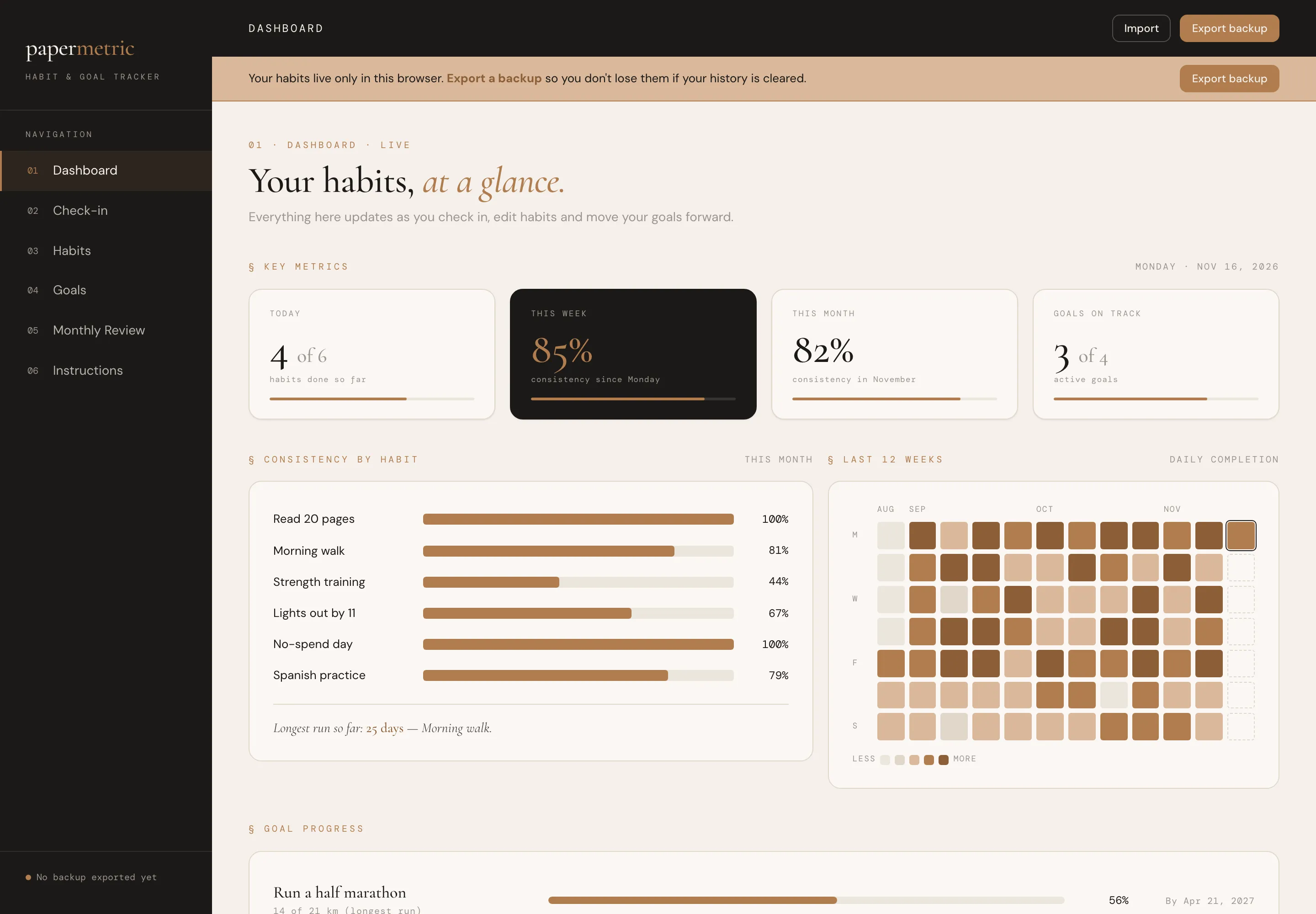
Your day, calendar, tasks, habits, money, goals and home in one connected app.
Web App · Excel · Google Sheets · PDF Guide
A calm daily check-in for your habits and a clear view of your bigger goals.
Web App · Excel · Google Sheets · PDF Guide
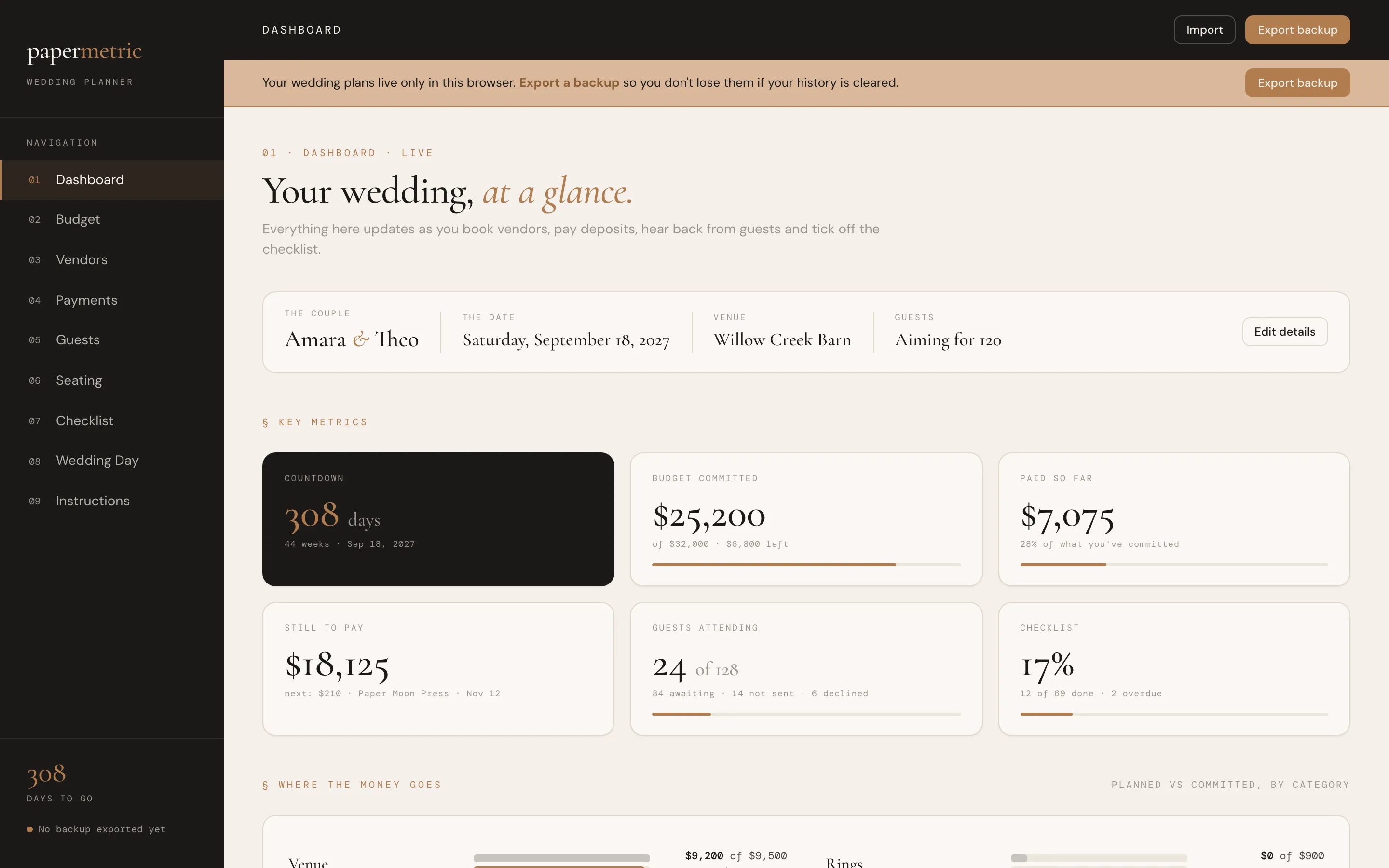
The budget, vendors, guests, seating and checklist for your whole wedding.