Excel · Google Sheets · Web App · PDF Guide
Meal Planner & Grocery Manager
Plan the week and your grocery list writes itself.
Web App · PDF Guide
Your day, calendar, tasks, habits, money, goals and home in one connected app.
Instant digital download · Sold through Etsy
What's included
§ 01 · Overview
Your whole life in one calm place: your day, your calendar, tasks and projects, habits, money, goals, your home, and your notes and journal. One connected app that opens in your browser. No account, no subscription and nothing uploaded.
Add something once and it shows up wherever it matters. A bill due tomorrow appears on Today and in the Calendar. Tick a task linked to a goal, and the goal moves forward. Chores repeat on their own and land on the right day.
§ 02 · Inside
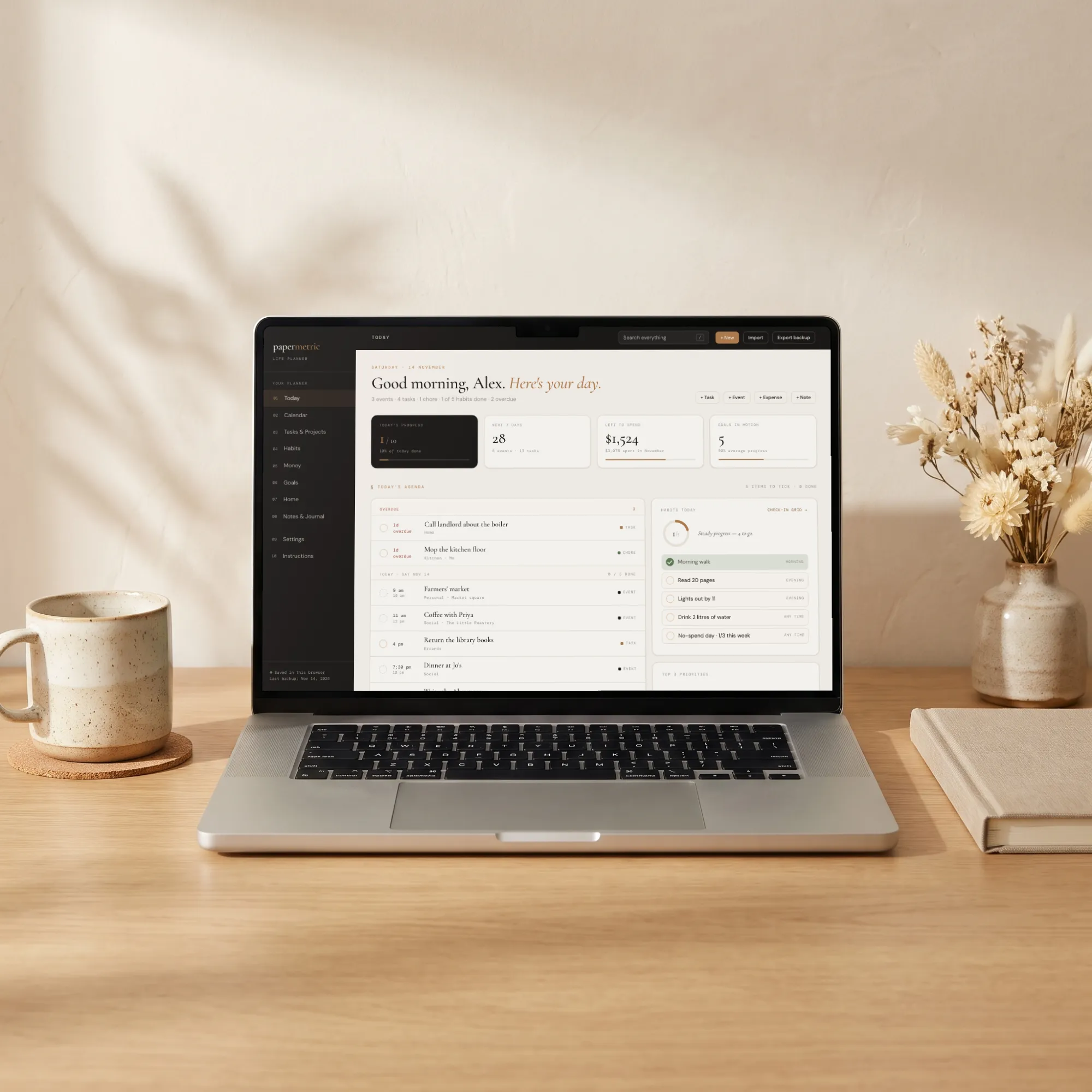
Everything due today from every part of the planner, in time order, with overdue items at the top. Tick habits, choose your top three priorities, and see what's coming up, bills due, money left to spend and your goals at a glance.
Month, week and day views of everything with a date: events, tasks, bills, chores, deadlines, milestones and birthdays. Click an empty time to add an event.
Due dates, times, priorities, categories, steps and repeats. Projects track their own progress and can count toward a goal.
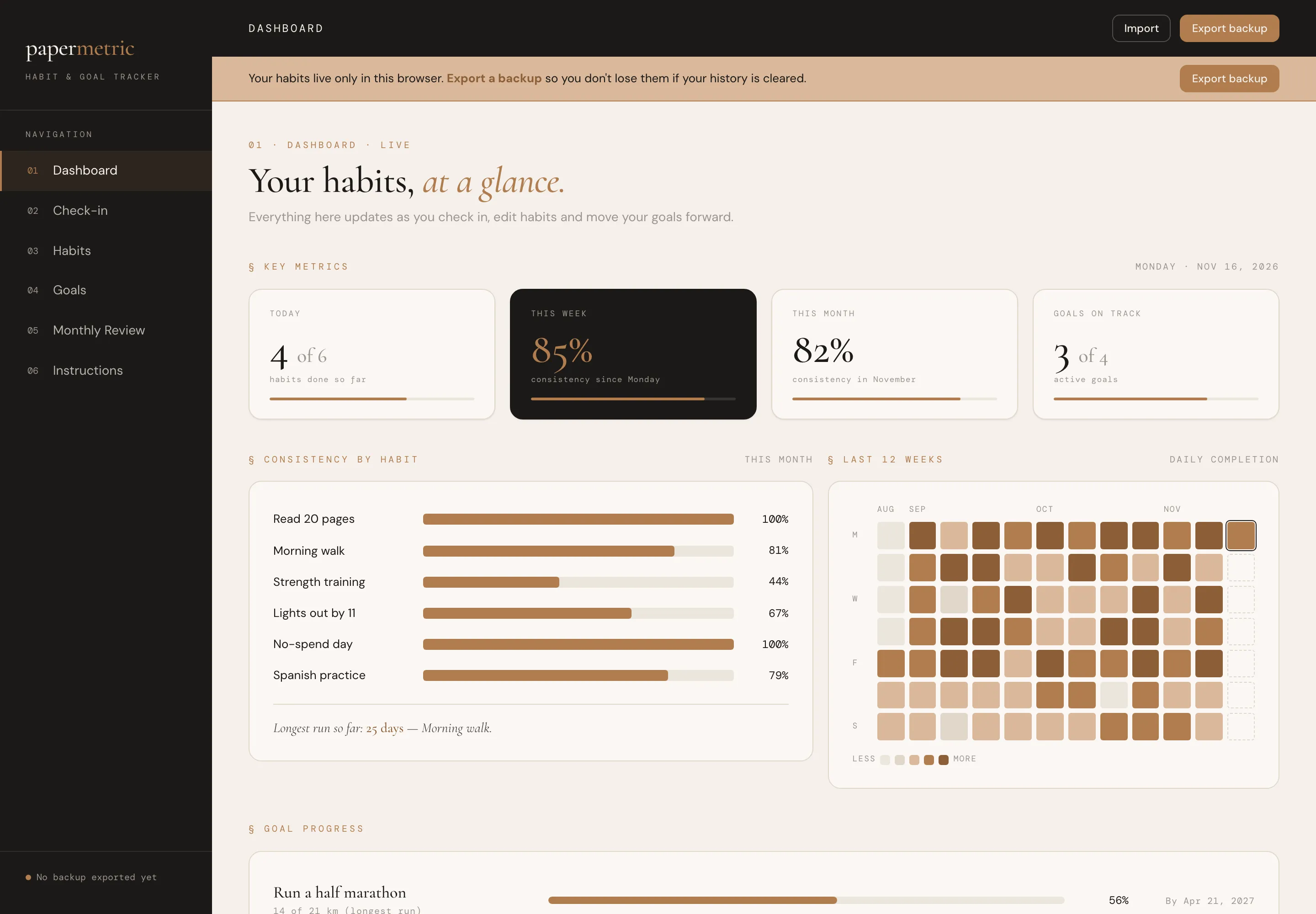
Morning, daytime and evening routines, a monthly check-in grid, planned skips that never count against you, and gentle consistency instead of streak pressure.
A monthly budget, a spending log, bills with "mark paid" (logged as spending automatically) and savings goals, with a currency setting. No bank login.
Measure progress by milestones, linked tasks and projects, a number you track, or a savings goal. Each goal shows what supports it.
Chores and maintenance that repeat on their own (weekly, monthly, seasonally and more), a one-click starter list of about 20 home-maintenance jobs, important dates with reminders on Today, reusable checklists, and a home info page for shutoffs and key contacts.
Notes with headings, lists and checkboxes, linked to projects or goals; a daily journal with gentle prompts and mood; and a weekly review that fills itself in.
§ 03 · A look inside
Today
01 / 05
§ 04 · Why it feels different
Enter something once and it shows up everywhere it matters.
Switch off any module you don't need and it disappears everywhere. Nothing is deleted.
It opens with a sample week, so there's no setup to figure out.
Reorder modules, choose your Today widgets, pick light or dark mode, set your week start, date format and currency.
Quick add (press N) and search everything (press /).
Use it any year, for as long as you like.
§ 05 · How it works
Download the files after purchase.
Double-click the .html file. It opens in any up-to-date web browser. There's nothing to install and no account.
Explore the sample planner, then clear it in Settings and start your own.
Best on a desktop, laptop or tablet.
§ 06 · Questions
Your download includes: The Life Planner web app (.html); a sample planner built in, so you can see how everything connects before you start your own; quick-start guide (PDF).
Double-click the .html file. It opens in any up-to-date web browser. There's nothing to install and no account.
Best on a desktop, laptop or tablet.
Your planner is saved privately in your browser, on your own device. Nothing is uploaded anywhere.
It does not sync between devices or browsers, and there are no phone notifications. Reminders appear inside the planner when you open it.
No. There is no spreadsheet version of this planner.
No. It is a one-time digital download from Etsy, with no account and no subscription.
No. This is a digital download, and your files are ready to download after purchase on Etsy.
An instant digital download, yours to keep. No account and no subscription.
You might also like
Excel · Google Sheets · Web App · PDF Guide
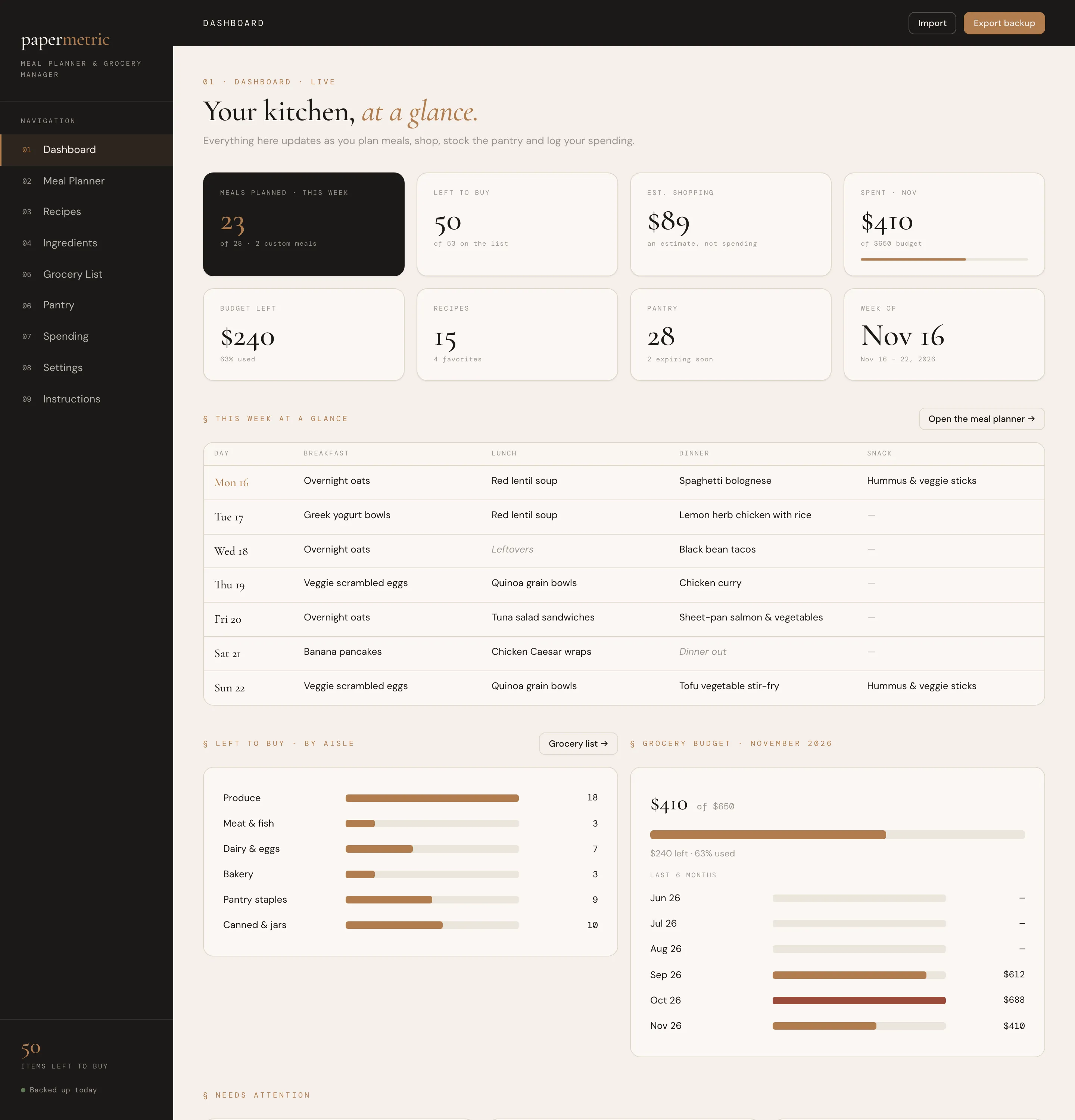
Plan the week and your grocery list writes itself.
Web App · Excel · Google Sheets · PDF Guide
A calm daily check-in for your habits and a clear view of your bigger goals.
Web App · Excel · Google Sheets · PDF Guide
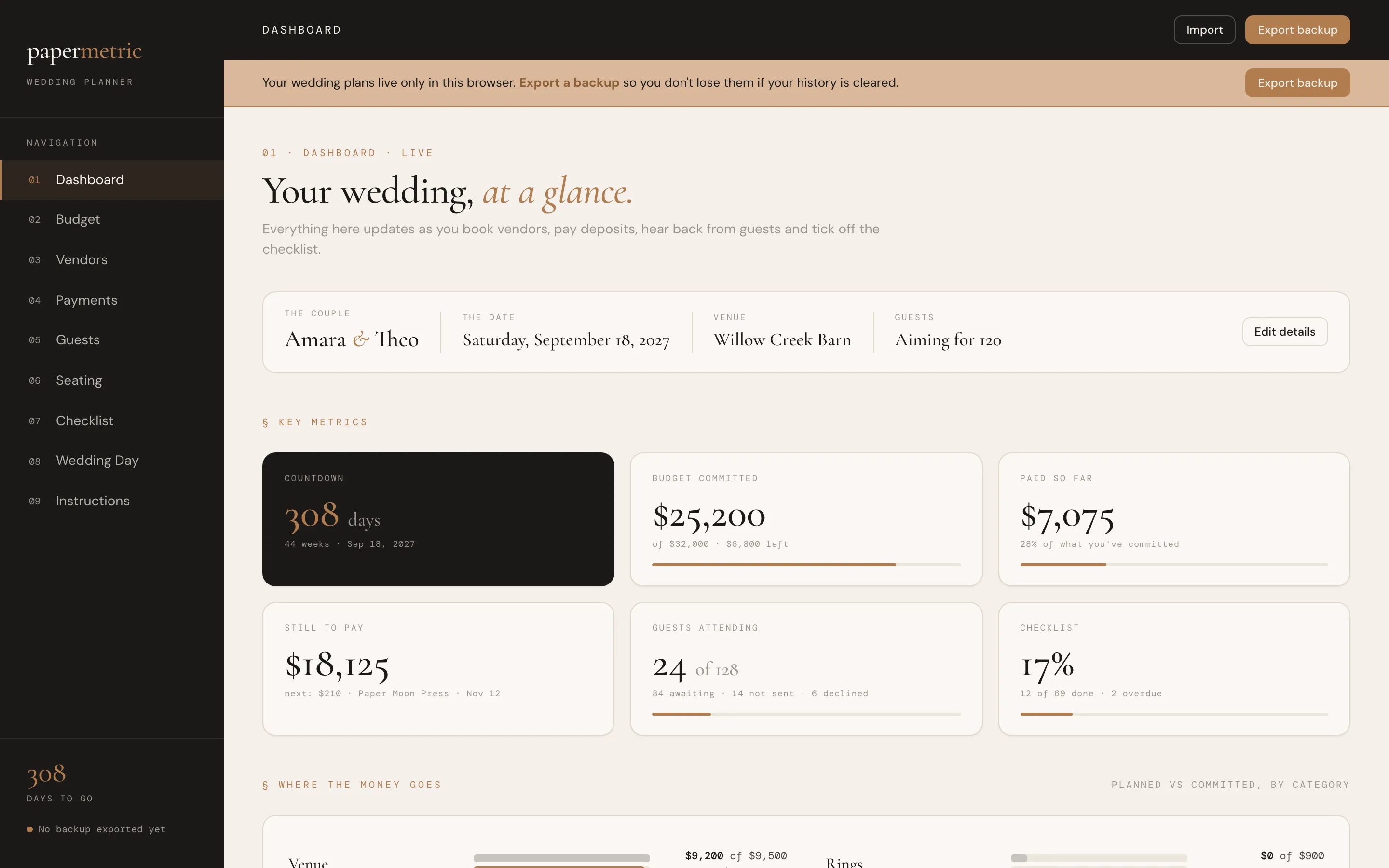
The budget, vendors, guests, seating and checklist for your whole wedding.