Web App · Excel · Google Sheets · PDF Guide
Budget & Bills Planner
A monthly budget, every bill, a debt payoff plan and savings goals, all in one place.
Web App · Excel · Google Sheets · PDF Guide
Invoices, payments and clients, with paid, outstanding and overdue totals at a glance.
Instant digital download · Sold through Etsy
What's included
§ 01 · Overview
Keep every invoice, client and payment in one calm, organized place. Built for freelancers and small studios who would rather spend their time on the work than on paperwork.
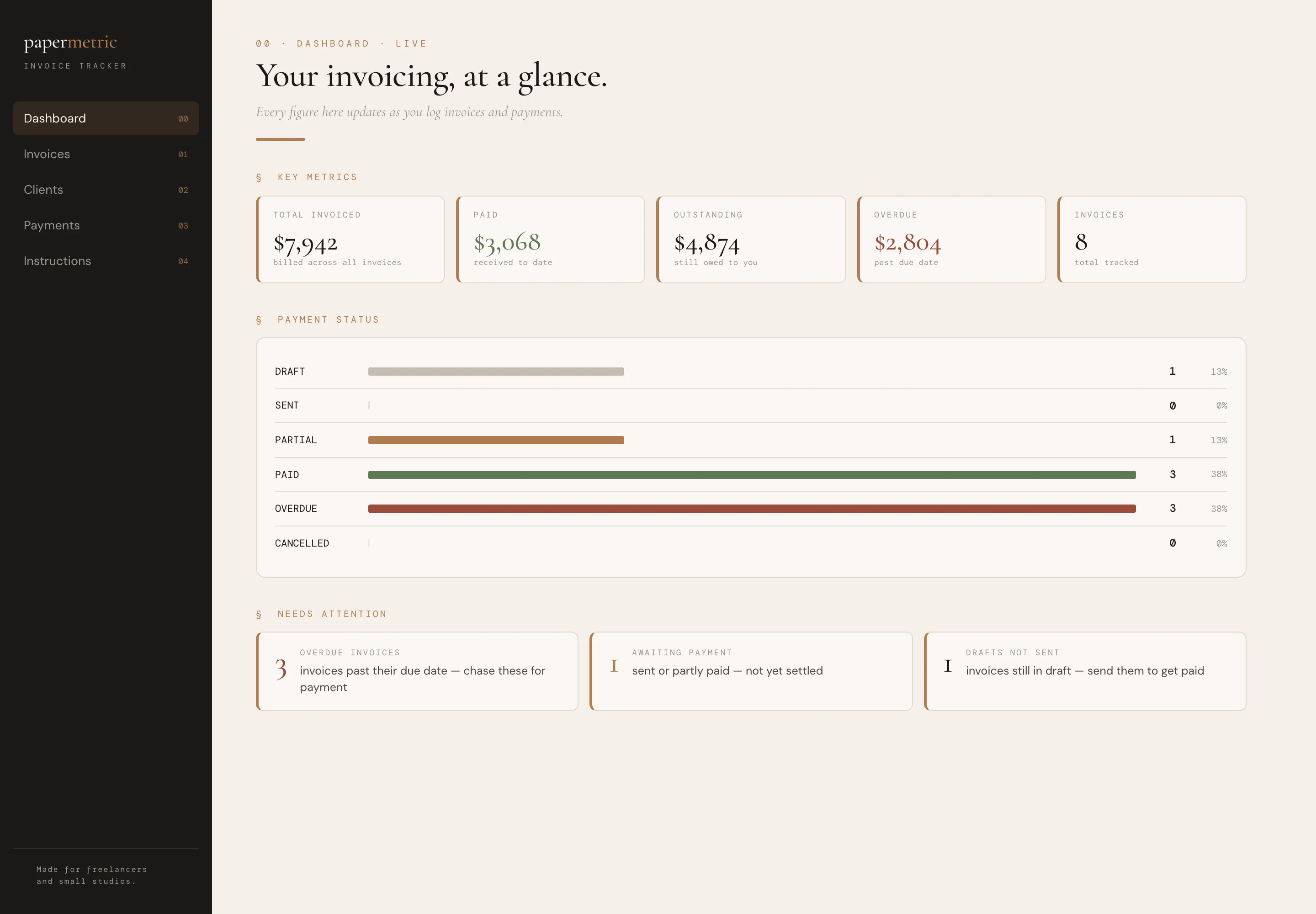
Know at a glance what’s been paid, what’s outstanding and what’s overdue.
§ 02 · Inside
Total invoiced, paid, outstanding and overdue, updated as you type.
Every invoice, with totals, tax, balances and status calculated for you.
All your client details in one place.
Track partial payments and installments.
Draft, Sent, Partial, Paid and Overdue at a glance.
Overdue invoices are flagged automatically, so you can follow up early.
§ 03 · A look inside
Dashboard
01 / 03
§ 04 · Why it feels different
Spend your time on the work, not on chasing paperwork.
And exports your data to Excel anytime.
§ 05 · Questions
The Invoice Tracker spreadsheet with examples, a blank version, the web app and a quick-start guide (PDF).
No. It is a tracker that keeps your invoicing organized. Pair it with your existing invoicing method.
Microsoft Excel or Google Sheets for the spreadsheet. The web app runs in any desktop browser.
No. It is a one-time digital download from Etsy, with no account and no subscription.
An instant digital download, yours to keep. No account and no subscription.
You might also like
Web App · Excel · Google Sheets · PDF Guide
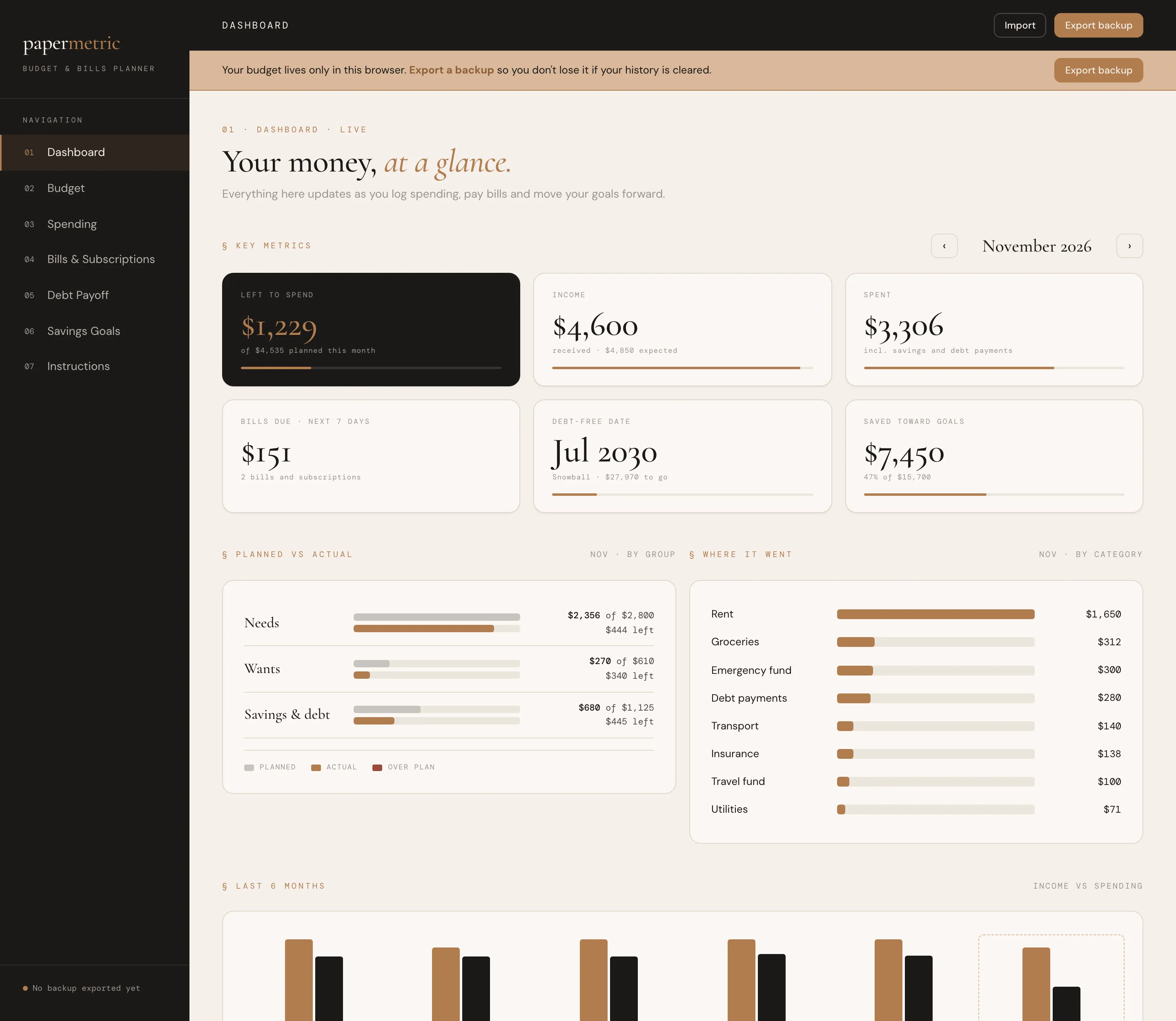
A monthly budget, every bill, a debt payoff plan and savings goals, all in one place.
Web App · PDF Guide
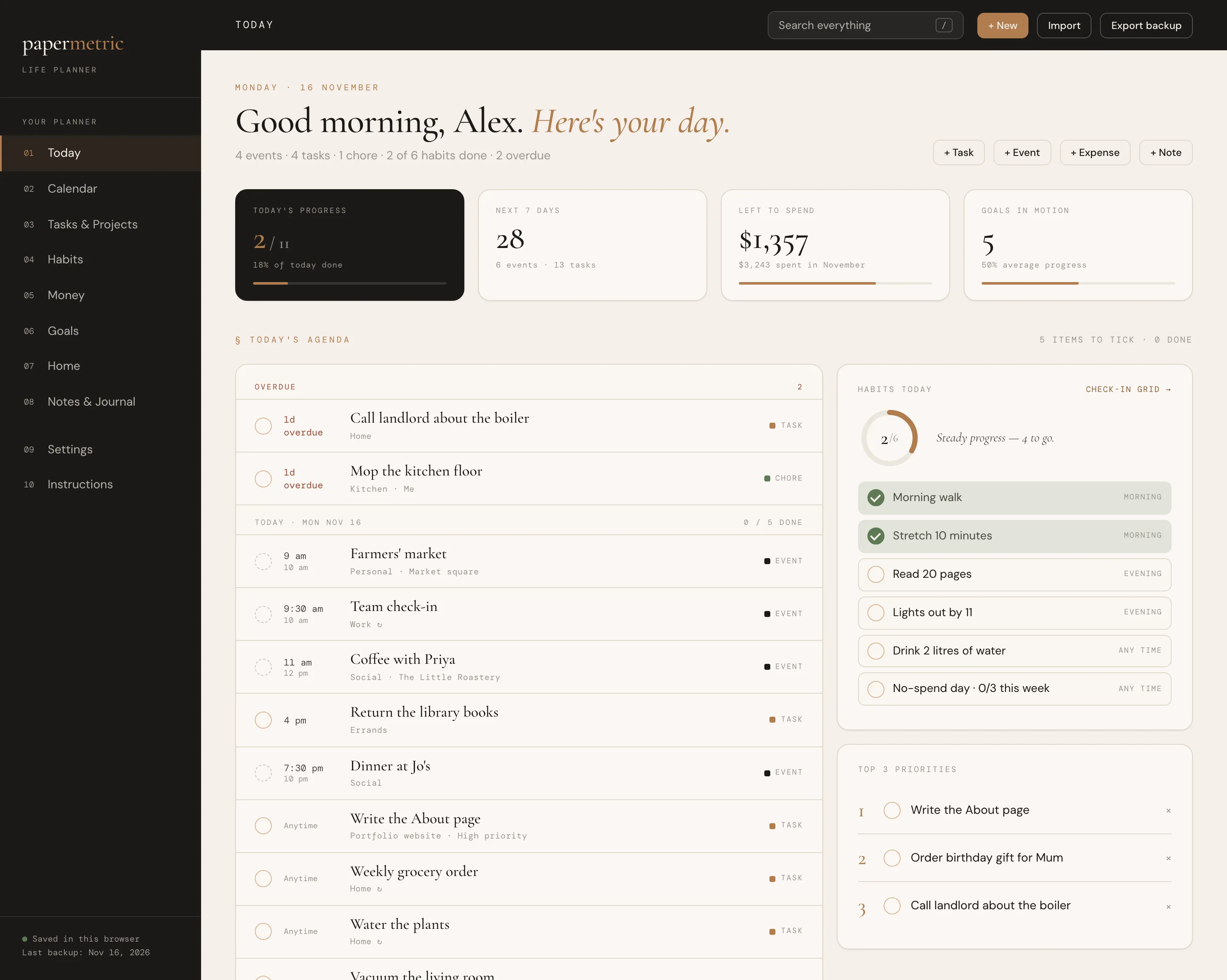
Your day, calendar, tasks, habits, money, goals and home in one connected app.
Web App · Excel · Google Sheets · PDF Guide
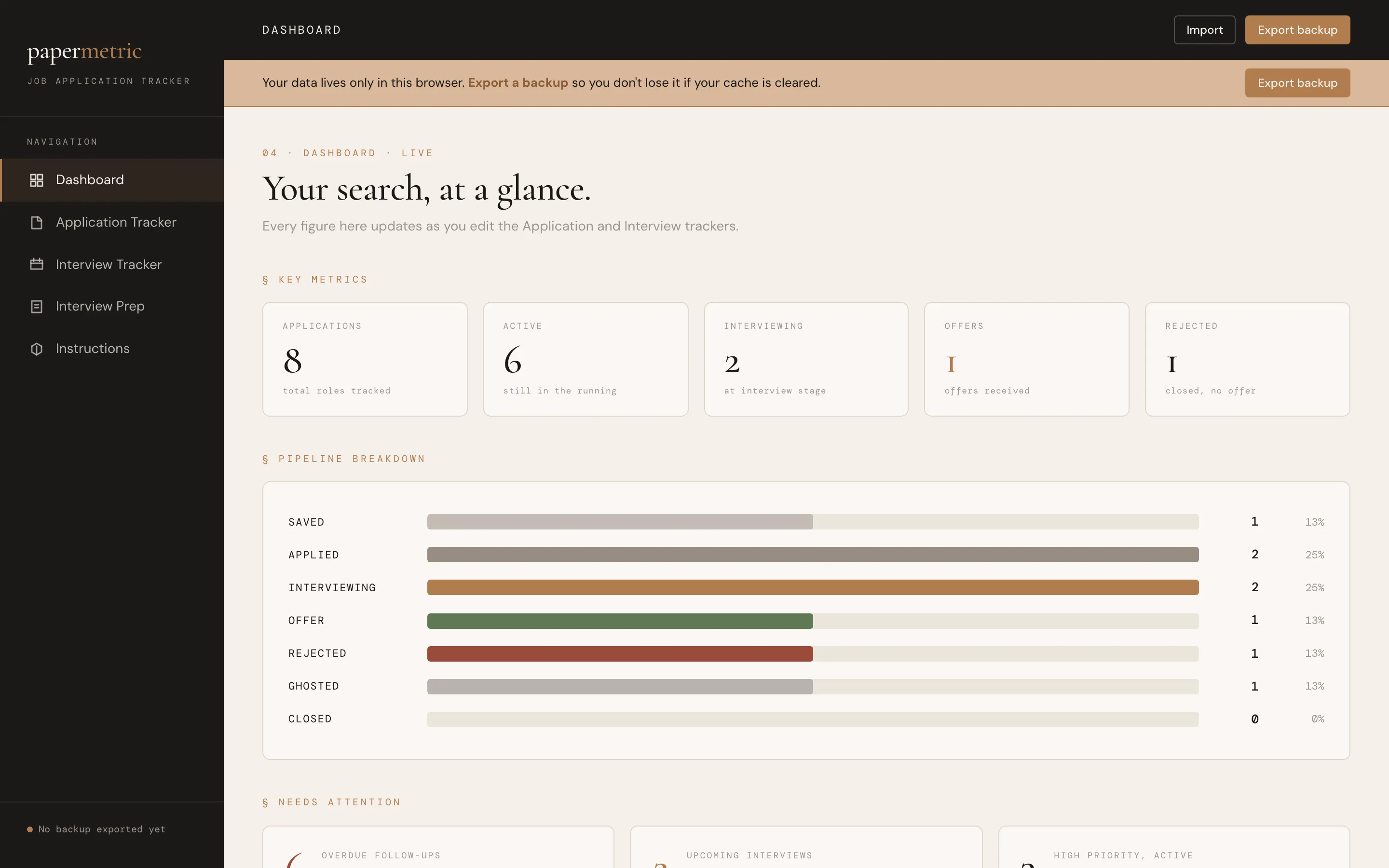
Every application, interview and follow-up in one clear pipeline.