Web App · Excel · Google Sheets · PDF Guide
Invoice & Client Tracker
Invoices, payments and clients, with paid, outstanding and overdue totals at a glance.
Web App · Excel · Google Sheets · PDF Guide
A monthly budget, every bill, a debt payoff plan and savings goals, all in one place.
Instant digital download · Sold through Etsy
What's included
§ 01 · Overview
A calm, complete home for your money: a monthly budget, every bill and subscription, a debt payoff plan and your savings goals, in one quiet place that does the math for you. Use it as an interactive web app in your browser, or as a spreadsheet in Excel or Google Sheets.
There’s no bank login, no subscription and nothing uploaded. Log a purchase once and your budget, your bills and your dashboard all update on their own.
§ 02 · Inside
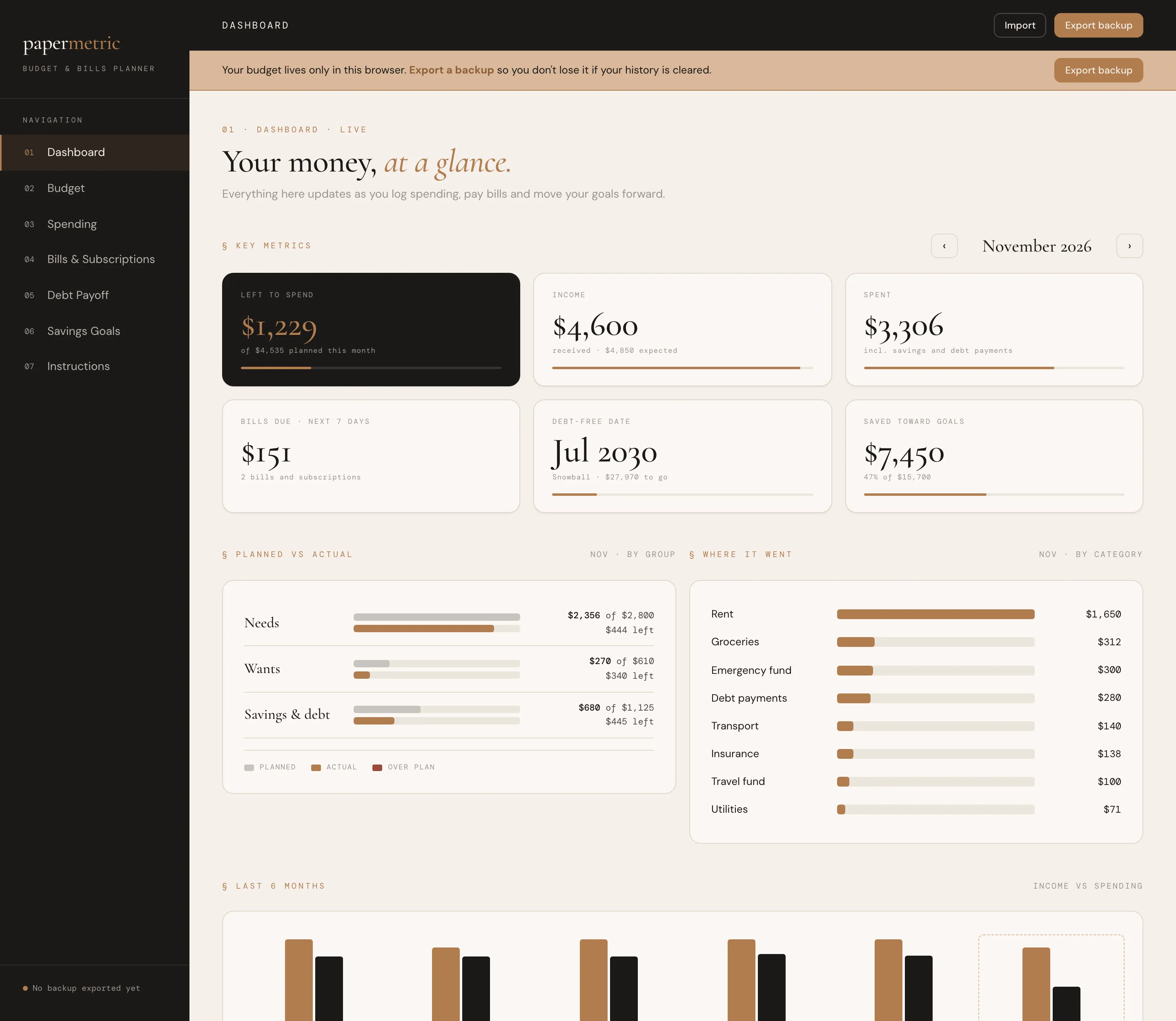
What's left to spend this month, income and spending, bills due in the next 7 days, your debt-free date, savings progress, planned vs actual, and what needs attention. It updates on its own.
A monthly plan for every category, grouped into needs, wants and savings & debt. Actual spending fills itself in, with an on track / close / over status, "left to assign" and a 50/30/20 check.
One simple log for everything that comes in and goes out. Filter by category and search in the web app.
Due dates, autopay and the true monthly and yearly cost of each one. Flag subscriptions you rarely use and see what canceling would save in a year. In the web app, "Mark paid" moves the next due date forward for you.
Snowball or avalanche, side by side with paying only minimums. See the month you'll be debt-free, the order each debt is paid and the interest you'll save. The spreadsheet adds a month-by-month payoff schedule.
A target, a date and a monthly amount, with a pace check that tells you whether you'll get there in time.
§ 03 · A look inside
Dashboard
01 / 05
§ 04 · Why it feels different
No separate files for your budget, bills and debt.
Spending feeds the budget and the dashboard automatically.
No bank connection, no account, no monthly fee.
Start in any month of any year.
§ 05 · How it works
Download the files after purchase.
Web app: double-click the .html file to open it in your browser. Best on a desktop or laptop.
Spreadsheet: open it in Microsoft Excel (2016 or newer), or upload it to Google Drive and open it with Google Sheets, which also works on your phone.
Explore the sample data, then clear it and start your own plan.
§ 06 · Questions
Your download includes: interactive web app (.html); spreadsheet with examples (.xlsx); spreadsheet, blank (.xlsx); quick-start guide (PDF).
Web app: double-click the .html file to open it in your browser. Best on a desktop or laptop. Spreadsheet: open it in Microsoft Excel (2016 or newer), or upload it to Google Drive and open it with Google Sheets, which also works on your phone.
Best on a desktop or laptop. Spreadsheet: open it in Microsoft Excel (2016 or newer), or upload it to Google Drive and open it with Google Sheets, which also works on your phone.
The web app saves your data privately inside your browser, on your own computer. Nothing is uploaded anywhere. Use Export Backup regularly to keep a copy safe.
The web app has a currency setting ($, £, €, CA$, A$). The spreadsheet shows dollars, and its instructions explain how to switch.
The web app and the spreadsheet are separate. Pick the one you like best.
No. It is a one-time digital download from Etsy, with no account and no subscription.
No. This is a digital download, and your files are ready to download after purchase on Etsy.
An instant digital download, yours to keep. No account and no subscription.
You might also like
Web App · Excel · Google Sheets · PDF Guide
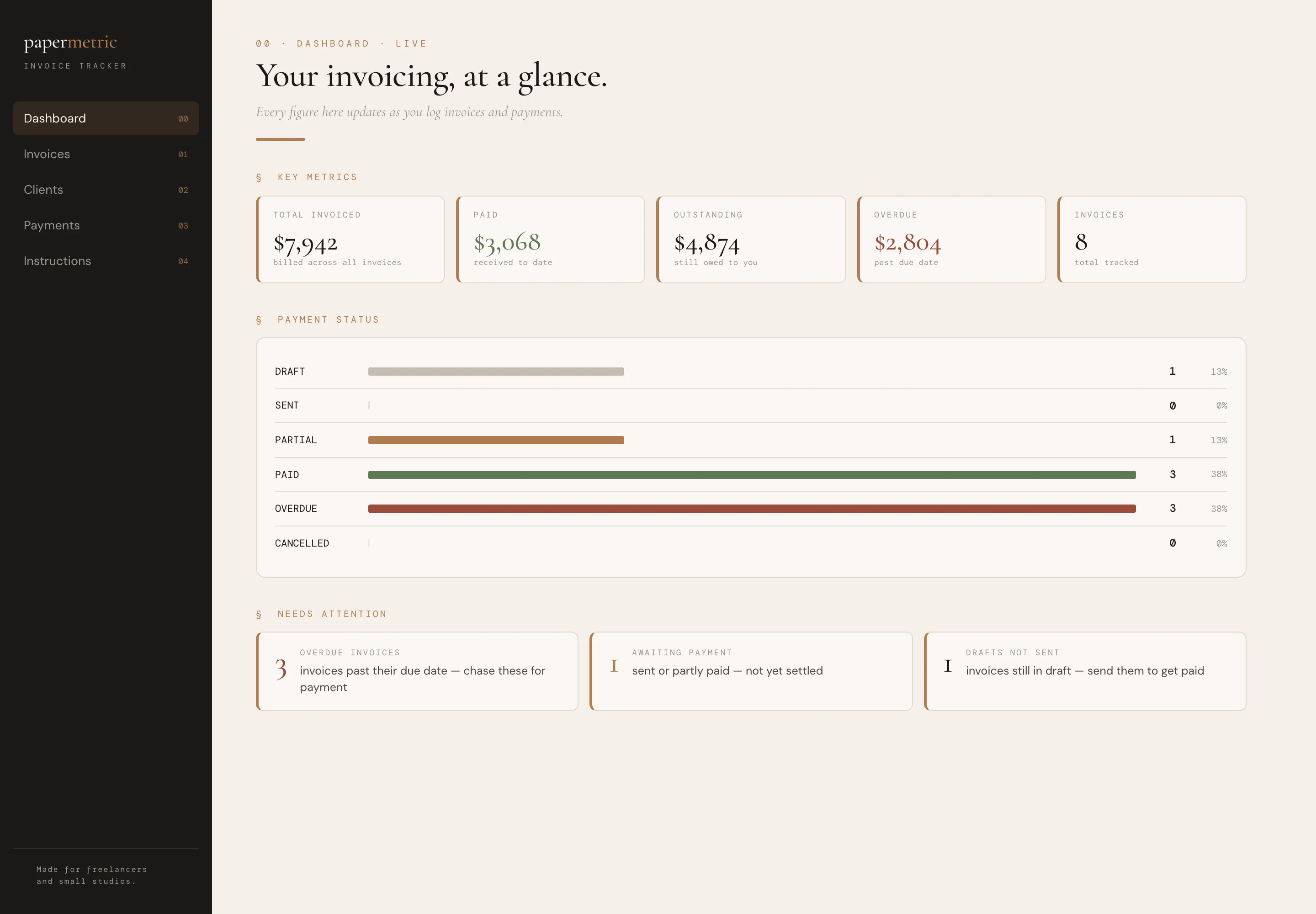
Invoices, payments and clients, with paid, outstanding and overdue totals at a glance.
Web App · PDF Guide
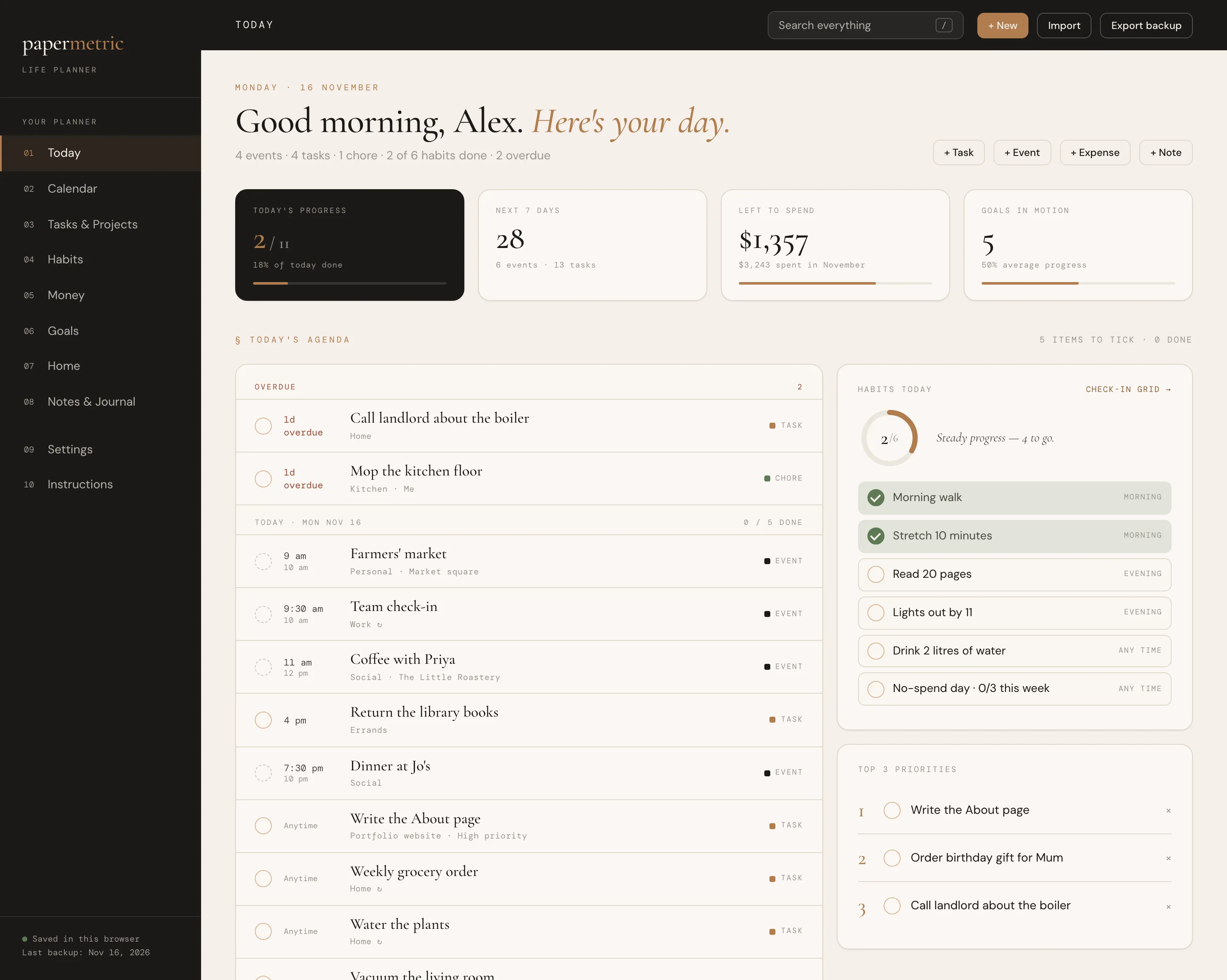
Your day, calendar, tasks, habits, money, goals and home in one connected app.
Web App · Excel · Google Sheets · PDF Guide
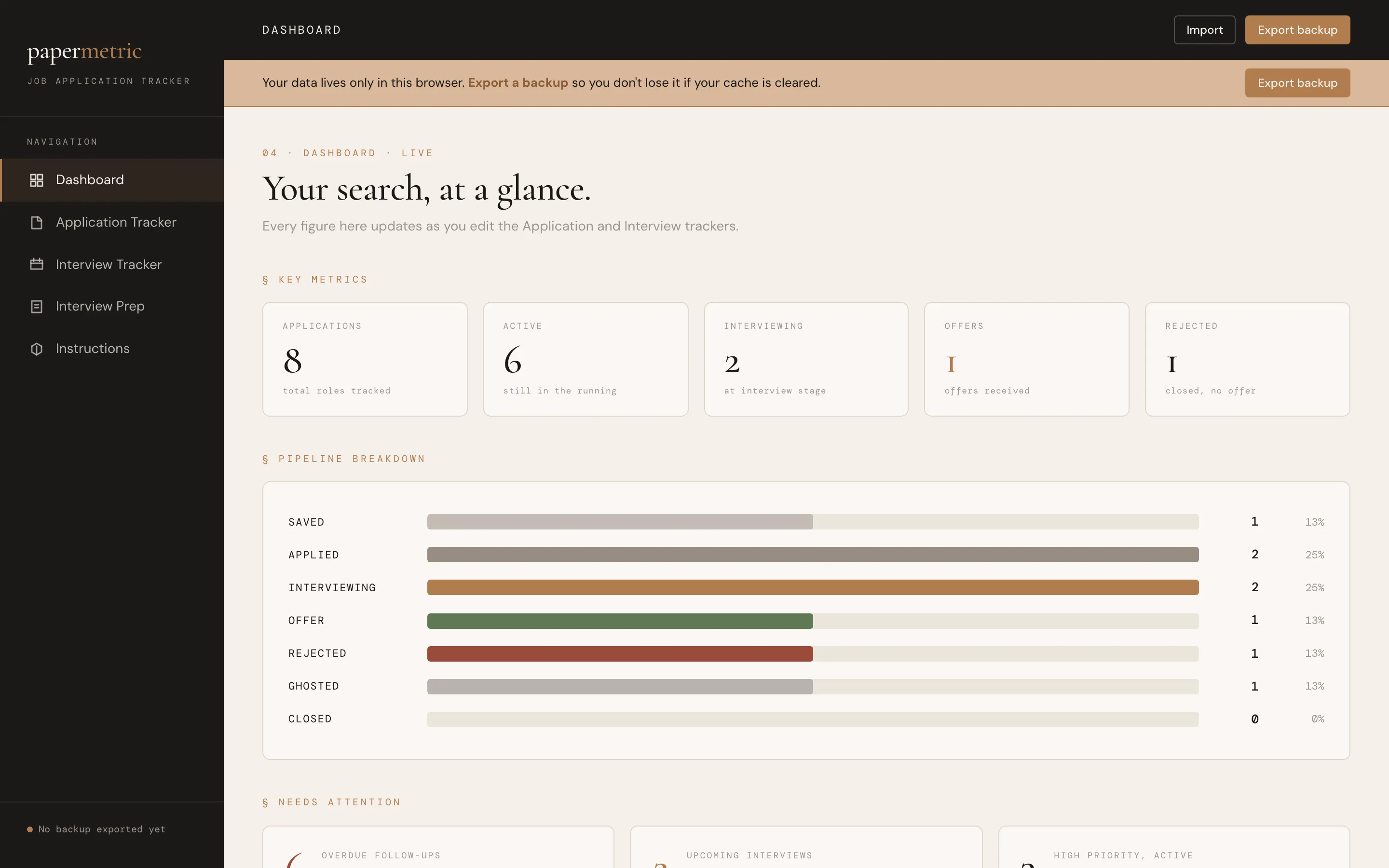
Every application, interview and follow-up in one clear pipeline.